
Write or pick a program
Type 6502 assembly in the editor or choose an example such as Snake, Colour bars or the maths demo. Programs start at $0600.
Type 6502 assembly and press Run: it is assembled and runs on a 32×32 colour screen with keyboard input. Step one instruction at a time, set breakpoints and watch the registers, flags and memory change.
Open 6502 Emulator →Type 6502 assembly in the editor or choose an example such as Snake, Colour bars or the maths demo. Programs start at $0600.
Press Run (or Ctrl/⌘+Enter). The code is assembled; mistakes are listed with their line numbers. Click the screen to send keys to the program.
Pause, step one instruction at a time and click a line number to set a breakpoint. Watch the registers, flags, memory and disassembly as it runs.
Each byte from $0200 to $05FF is one pixel, 32 per row. STA $0200 colours the top-left pixel; add $20 to move down one row.
Addresses $00–$FF take one byte to name and one cycle less to read. Keep counters and pointers there.
Store a 16-bit address in two zero-page bytes, low byte first, then LDA ($10),Y reads from that address plus Y. The Snake and pattern examples use this to walk the screen.
ADC adds the carry too, so start an addition with CLC and a subtraction with SEC. Branches like BCC and BCS test the carry afterwards.
After SED, ADC and SBC count in decimal: $58 + $46 gives $04 with the carry set (104). Handy for scores; turn it off again with CLD.
Every load and arithmetic instruction updates N and Z. Step through a loop and watch them change before the branch that tests them.
Use Manlin to reflect, plan and take your next step.

Yes. It is free with no sign-up, no ads and no limits. Your program is saved in your browser so it is still there next time.
The original NMOS 6502 with all 151 documented instructions, binary-coded decimal mode with the NMOS flag behaviour, the JMP ($xxFF) page bug and the documented cycle counts, including page-crossing and branch penalties.
It passes a widely used 6502 functional test program and 1.5 million single-instruction test cases that check registers, flags, memory and cycle counts.
64 KB of RAM. The screen is $0200–$05FF (one byte per pixel, 16 colours), reading $FE gives a new random byte, $FF holds the last key you pressed, and programs load at $0600. Programs written for the popular beginner 6502 tutorials that use this layout run unchanged.
Click or tap the screen, then type: the key's ASCII code goes to $FF. The arrow keys and the on-screen arrows send w, a, s and d, which the Snake and Paint examples use.
Labels (loop: or a word at the start of a line), constants (define name value or name = value), *= or .org, .byte/dcb, .word, .text, .asciiz and .res, numbers in hex ($FF), binary (%1010), decimal and characters ('A'), arithmetic, and < and > for the low and high byte. A value below $100 uses zero page; write $00FF to force the absolute form.
Click a line number (or press F9 on a line) to set a breakpoint. Run stops before that instruction; Step (F10) runs one instruction and highlights its line. The registers, flags, memory and disassembly update after every stop, which makes it a great way to learn 6502 assembly.
Your program is saved in your browser automatically. You can also save it as an .asm file, download the assembled .bin, copy a hex dump, save the whole machine state, or copy a link that contains the program.
No. Assembling and running happen in your browser. A share link keeps the program in the part of the address after #, which browsers do not send to the server.
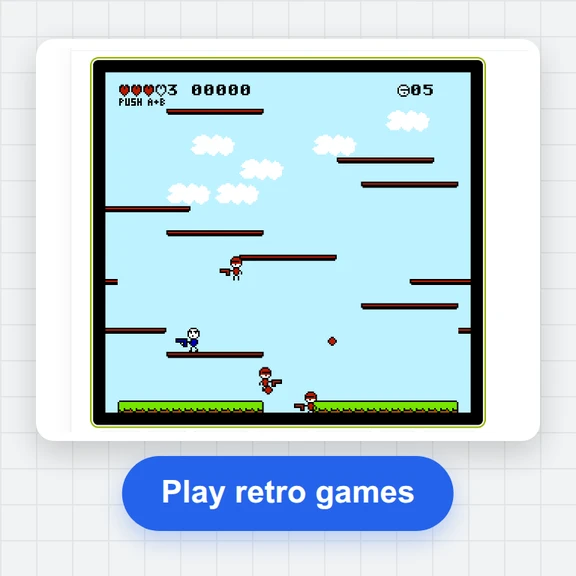 FC / NES Console EmulatorPlay FC/NES (Famicom) games in your browser with local .nes ROM import, keyboard, gamepad and touch controls, save states and fullscreen. Includes 11 freely licensed homebrew games; local files stay on your device.
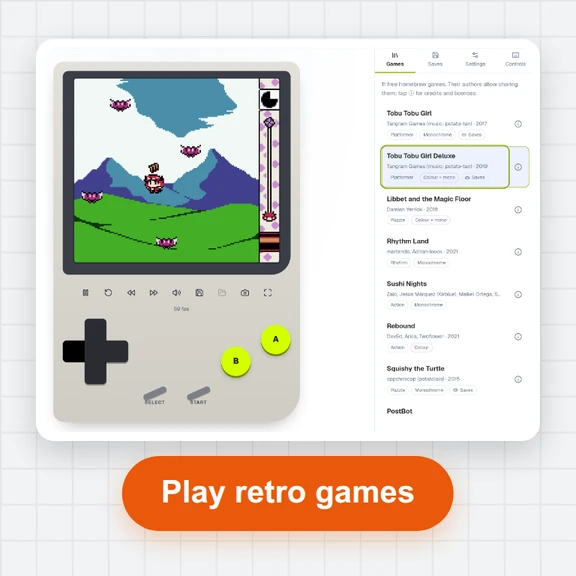 GB / GBC Handheld EmulatorPlay Game Boy (GB) and Game Boy Color (GBC) games in your browser. Import local .gb/.gbc files and use touch, keyboard or gamepad controls, save states, rewind and fullscreen. GBA is not supported.
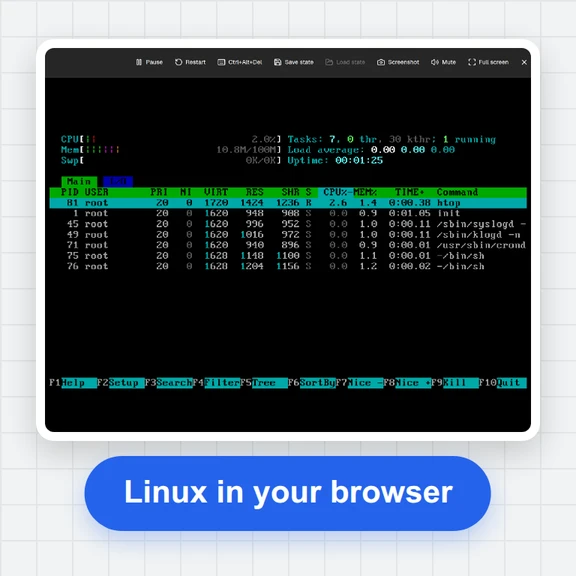 PC EmulatorBoot a real x86 PC in your browser: a Linux shell, FreeDOS with games, or the KolibriOS desktop. Copy files in and out, paste text, save the state. Free, nothing to install.
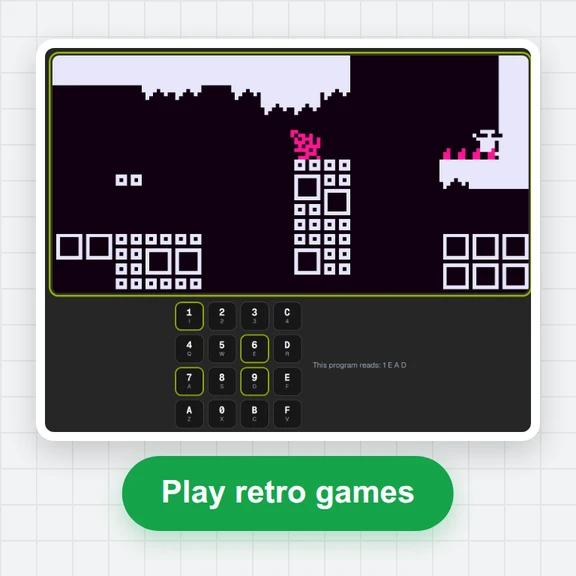 CHIP-8 EmulatorRun CHIP-8, SUPER-CHIP and XO-CHIP programs in your browser: 33 public-domain games, your own .ch8 files, quirk switches, sound, save states and a debugger.
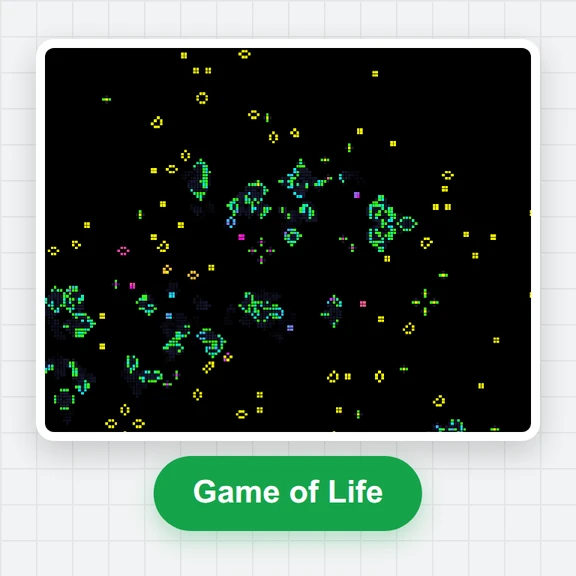 Game of LifePlay the Game of Life free online: draw cells, drop gliders, guns and spaceships, try HighLife and other rules, import RLE patterns and save a video clip.
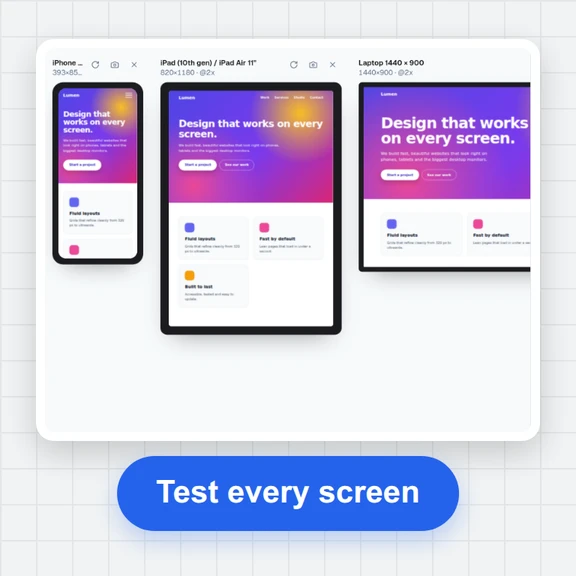 Responsive TesterFree responsive tester: see a website or your HTML at dozens of phone, tablet and laptop screen sizes side by side. Resize, rotate, find overflow, save screenshots.