
Type a word
Enter any real word of the chosen length with your keyboard or the on-screen keys, then press Enter.
Type a word, and the tiles show which letters are in the answer and which are in the right place. Play the daily puzzle, then keep going with unlimited words of 4, 5, 6 or 7 letters.
Open Word Guess Game →Enter any real word of the chosen length with your keyboard or the on-screen keys, then press Enter.
Green means the letter is in the right spot, yellow means it is in the word but somewhere else, and grey means it is not in the word.
Use the hints to find the word before you run out of rows, then share your emoji grid or start another word.
Start with a word full of frequent letters such as E, A, R, S, T, L and N, with no repeats, to learn as much as possible from the first row.
If the first row shows little, try a second word with five fresh letters before you start guessing the answer.
Answers can contain the same letter twice. If a letter turns green or yellow only once, it may still appear again.
A yellow letter cannot be in the spot where it turned yellow. Move it around and watch common endings like -ER, -LY and -NG.
Hard mode makes you reuse every hint, so each guess could be the answer. It is a good way to sharpen your play.
The daily puzzle changes at midnight UTC. Solve it each day to grow your streak; the stats panel keeps your record on this device.
Use Manlin to reflect, plan and take your next step.

Yes. Play the daily puzzle and as many unlimited words as you like, free, with no sign-up and no ads.
Everyone gets the same word each day. A new puzzle starts at midnight UTC, and the countdown under your result shows when the next one arrives.
Yes. Switch to Unlimited for a new random word every game, in 4, 5, 6 or 7-letter mode.
In hard mode, green letters must stay in place and yellow letters must appear in every later guess. Turn it on before your first guess.
Yes. The colour-blind option shows correct letters in orange and present letters in blue, and the shared grid uses the same colours.
When the game ends, press Share. You get an emoji grid of your guesses without the letters, plus a link, ready to paste in a chat or post.
Answers are common English words picked from SCOWL, a freely licensed word list by Kevin Atkinson. Guesses are checked against a larger list that also includes the public-domain ENABLE word list.
Your games, statistics and streaks are saved in your browser on this device. Clearing your site data resets them.
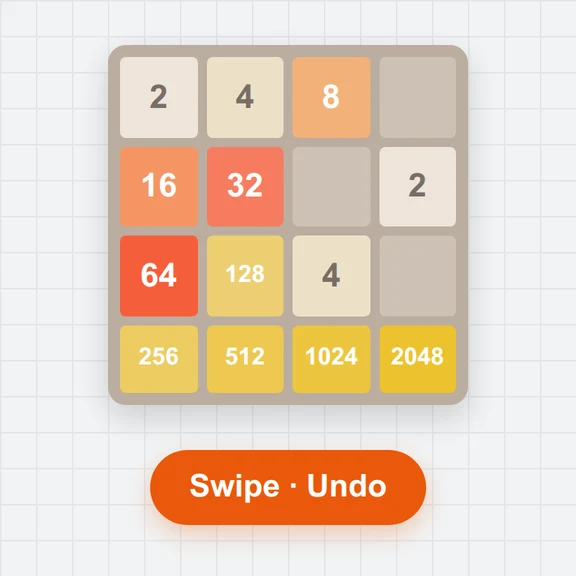 2048Play 2048 free online: swipe or use arrow keys, undo moves, try 3×3 to 6×6 boards, a daily challenge with the same tiles for everyone, stats and colour-blind-safe tiles.
 Mouse Sensitivity ConverterConvert game sensitivity and DPI while keeping the same cm/360°. Free, local, with eDPI and downloadable settings.Aim TrainerPractice clicking, target switching and tracking in your browser. Free 2D aim drills, local history and downloadable scorecards.
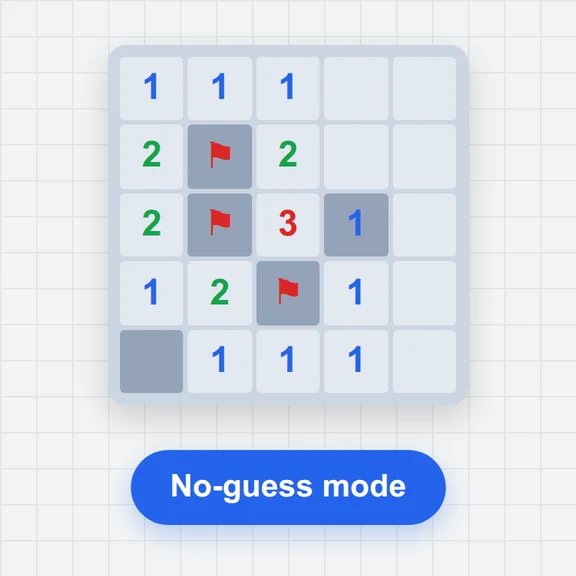 MinesweeperPlay Minesweeper free in your browser: beginner, intermediate, expert or custom boards, no-guess mode, hints that explain the logic, daily board, stats and touch controls.
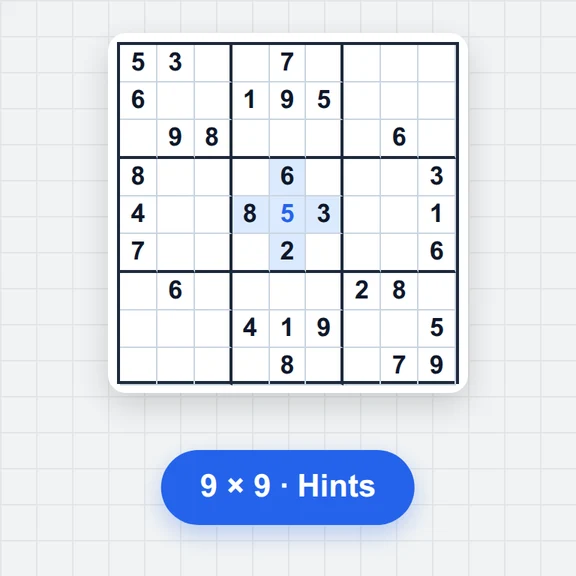 SudokuPlay free Sudoku online: 6 difficulty levels, a daily puzzle, notes, hints that explain each step, a step-by-step solver and printable PDF puzzles. No sign-up.
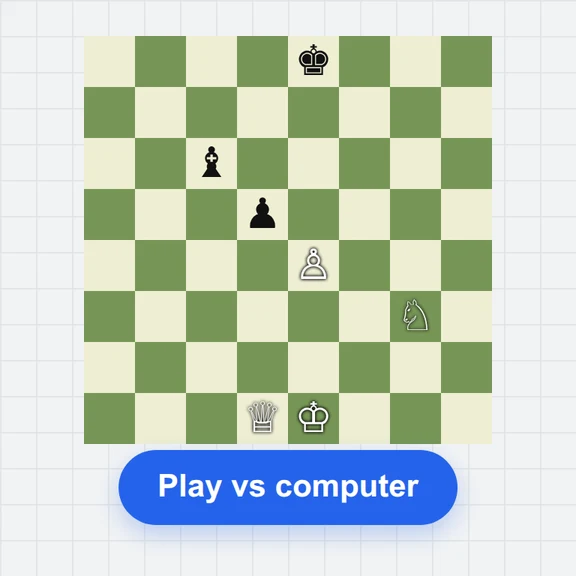 ChessPlay chess free in your browser: 8 computer levels from beginner to strong, two players on one device, clocks, hints, undo, move list and PGN/FEN import and export.