
Pick a test
Choose a timed test (15 to 120 seconds), a number of words, a passage of real prose, your own text or zen mode. Add punctuation, numbers or capitals for a harder test.
Take a 15-second to 2-minute test, type a passage or your own text, and see your speed, accuracy and the keys that slow you down. New to touch typing? Twelve short lessons take you from the home row to full sentences.
Open Typing Test →Choose a timed test (15 to 120 seconds), a number of words, a passage of real prose, your own text or zen mode. Add punctuation, numbers or capitals for a harder test.
The clock starts with your first key. Mistakes turn red; fix them with Backspace or keep going. Press Esc, or Tab and then Enter, to start over.
See your net and raw WPM, accuracy, consistency, a speed chart and your slowest and most-missed keys. Download a result card or compare with your past tests.
Use Manlin to reflect, plan and take your next step.

Yes. Take as many tests and lessons as you like, with no account and no limits.
A word counts as five characters, spaces included. Net WPM counts the characters that are right in your final text, divided by five, per minute. Raw WPM counts every key you pressed, mistakes included. The clock starts with your first key.
Most adults type 35 to 45 WPM. Above 60 is fast, many professional typists reach 70 or more, and over 100 is exceptional. Aim for 95% accuracy or better before chasing speed.
Accuracy is the share of keys you got right when you pressed them; fixing a mistake later doesn't remove it. Consistency shows how steady your speed was from second to second: 100% means perfectly even.
Time ends after 15, 30, 60 or 120 seconds. Words ends after 10, 25, 50 or 100 words. Passage gives you real prose to type. Custom uses any text you paste in, and zen has no text and no timer: type freely and press Shift+Enter when you're done.
Yes. Tap the text to bring up your keyboard and start typing. Phone keyboards are slower than physical ones, so compare results from the same device.
The test works with any layout, because it checks the characters you type. The on-screen keyboard and the lessons come in QWERTY, AZERTY, QWERTZ, Dvorak and Colemak.
No. The test runs in your browser, and your results, lessons and settings are saved in this browser's storage. Clearing your browser data removes them, so export your history as a CSV file to keep a copy.
The test uses texts in the page's language, or English where they aren't available yet. The Chinese, Japanese, Korean and Hindi pages use English texts, because those scripts are typed through an input method.
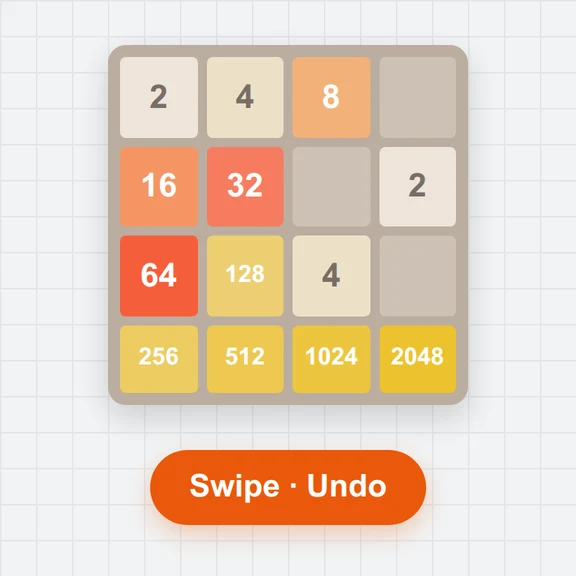 2048Play 2048 free online: swipe or use arrow keys, undo moves, try 3×3 to 6×6 boards, a daily challenge with the same tiles for everyone, stats and colour-blind-safe tiles.
 Mouse Sensitivity ConverterConvert game sensitivity and DPI while keeping the same cm/360°. Free, local, with eDPI and downloadable settings.Aim TrainerPractice clicking, target switching and tracking in your browser. Free 2D aim drills, local history and downloadable scorecards.
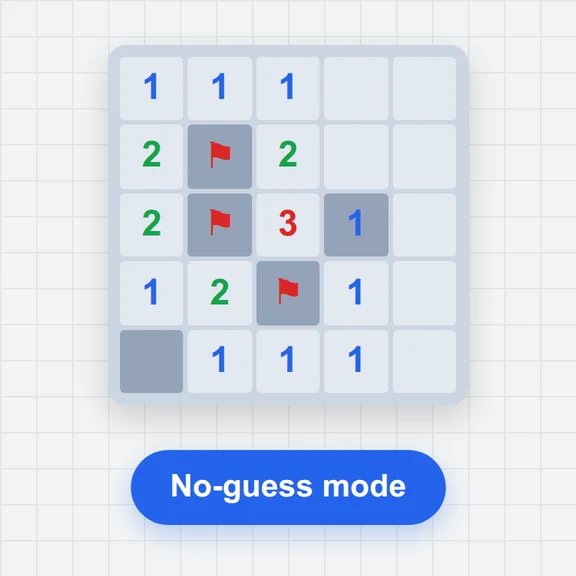 MinesweeperPlay Minesweeper free in your browser: beginner, intermediate, expert or custom boards, no-guess mode, hints that explain the logic, daily board, stats and touch controls.
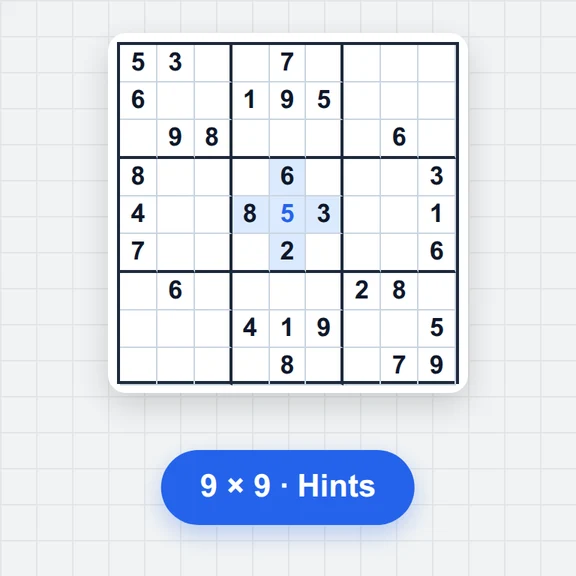 SudokuPlay free Sudoku online: 6 difficulty levels, a daily puzzle, notes, hints that explain each step, a step-by-step solver and printable PDF puzzles. No sign-up.
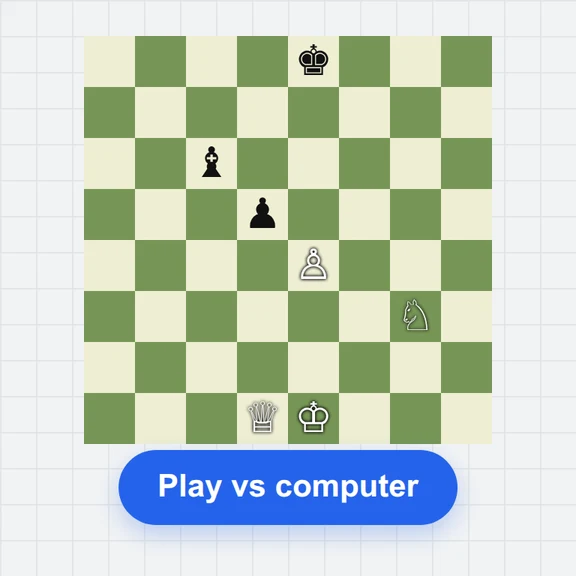 ChessPlay chess free in your browser: 8 computer levels from beginner to strong, two players on one device, clocks, hints, undo, move list and PGN/FEN import and export.