
Add a task
Write what you are working on and click it to focus on it.
Work for 25 minutes, take a 5-minute break, and a longer one after every fourth session. Change any length to suit you. Keep a task list, see how many sessions each task took, and follow your focus time day by day.
Open Pomodoro Timer →Write what you are working on and click it to focus on it.
Work until the timer rings, usually 25 minutes. Avoid distractions until then.
Rest for 5 minutes; after four sessions, take a longer break. Your sessions add up in the statistics.
25 minutes of focus, 5-minute breaks and a 15-minute break after four sessions by default. Change any of them.
Breaks can start by themselves when a session ends, and the next session too if you like.
Each focus session you finish counts toward the selected task, next to the number you planned.
See today's sessions and focus time, your streak of days and a chart of the last week.
A sound at the end of each session and break, a notification if you allow it, and the time left in the tab title.
Tasks and statistics are saved in your browser on this device only.
Pick the task before you start, and note anything else that comes to mind for later.
Stand up, look away from the screen, get some water. The breaks keep you fresh for the next session.
If 25 minutes feels short for deep work, try 45 or 50 with a 10-minute break.
Estimate how many sessions a task needs; over time your estimates get better.
Use Manlin to reflect, plan and take your next step.

A way of working in focused sessions, traditionally 25 minutes, separated by short breaks, with a longer break after every four sessions.
Yes. Open Settings to change the focus, short break and long break lengths and how many sessions come before the long break.
Yes. The end time is saved, so the timer is right when you come back, and the sound is scheduled to play on time while the tab stays open.
In your browser on this device. Nothing is sent anywhere, and clearing your browser data removes them.
A focus session that runs to the end. Skipped or reset sessions are not counted.
Yes. No account and no limits.
 Interactive Star MapExplore an interactive star map for any location and date. Find stars, constellations and planets, animate the sky and export a custom star chart.
 EV Charging CalculatorEV Charging Calculator · Estimated charging time · Electricity consumed · Trip cost
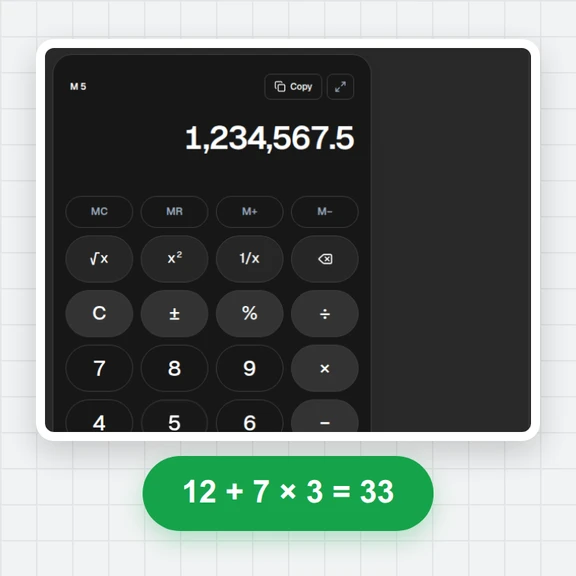
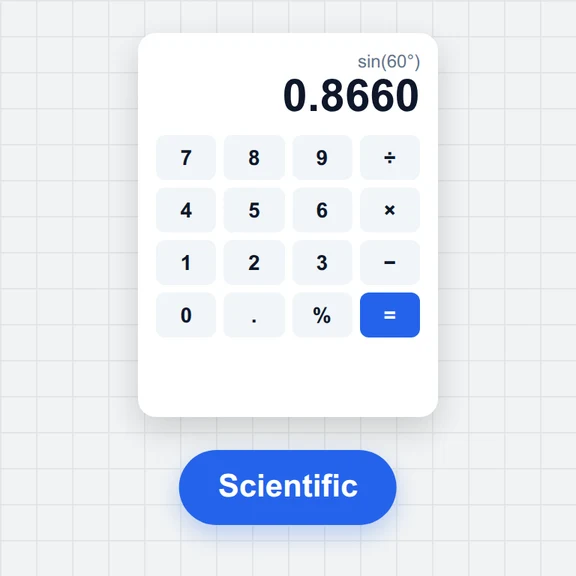 Tire & Wheel Size CalculatorCompare tire sizes and wheel offset with diagrams, diameter, sidewall, rim shifts and theoretical speed changes. Free and local.Fuel Cost & Consumption CalculatorCalculate trip fuel cost or measured fuel consumption. Convert L/100km, km/L and US or imperial MPG. Free, local, with report downloads.Online CalculatorFree online calculator with big keys, a paper-style tape, memory keys, percent, square root and full keyboard support. Copy any result. Free, no sign-up.Scientific CalculatorFree online scientific calculator: trig in degrees or radians, logs, powers, roots, factorials, nCr, memory and history. Type with your keyboard. Exact decimals.