
Type your problem
Type it as you would write it, for example 3(x − 2) = 2x + 5 or (x² − 1)/(x − 1), or tap it in with the math keys.
Solve arithmetic, fractions, equations, systems, inequalities, factoring, derivatives, integrals, limits, series and matrices. Each step names the rule it uses, and every answer is checked before it is shown.
Open Math Solver →Type it as you would write it, for example 3(x − 2) = 2x + 5 or (x² − 1)/(x − 1), or tap it in with the math keys.
Auto works out what to do. Choose Solve, Factor, Derivative, Integral, Limit, Matrix or another tab to say exactly what you want.
See the answer, then each step with the rule it uses. Open any step for the details, copy the answer or share a link.
Use Manlin to reflect, plan and take your next step.

Yes. It is free, with no sign-up, no watermark and no limit on how many problems you solve. It works in your browser on a computer, tablet or phone.
Arithmetic with fractions and decimals; linear, quadratic, polynomial and rational equations; equations with roots, exponentials, logarithms, absolute values and trig functions; systems of equations; inequalities; simplifying, expanding and factoring; derivatives; integrals; limits; sums and series; Taylor polynomials; matrices; percentages and unit conversions. It shows steps for all of these problem types.
Yes. Every answer comes with the steps that lead to it, and each step names the rule it uses, such as the quadratic formula, the chain rule or integration by parts. Longer steps open to show their details.
Each answer is checked before it is shown: solutions are put back into the equation, derivatives are compared with the function’s slope, and integrals are differentiated back to the original function. The check is shown under the answer.
Use ^ for powers (x^2), sqrt( ) for square roots, / for fractions and brackets to group, or tap the math keys. The “Reads as” line shows your problem in math notation as you type, so you can see it was understood correctly.
Yes. Type each equation on its own line or separate them with a semicolon, for example 2x + y = 7; x − y = 2. Two linear equations are solved by elimination, larger systems by row reduction, and two equations where one is linear by substitution.
Both. Answers stay exact with fractions, roots, π and e (for example (−1 + √5)/2), and a decimal approximation is shown next to them. Some problems, such as cos x = x, only have numerical answers; these are marked as approximate.
No. The solver runs entirely in your browser, so what you type is not sent anywhere. Your recent problems are kept in this browser only.
 Interactive Star MapExplore an interactive star map for any location and date. Find stars, constellations and planets, animate the sky and export a custom star chart.
 EV Charging CalculatorEV Charging Calculator · Estimated charging time · Electricity consumed · Trip cost
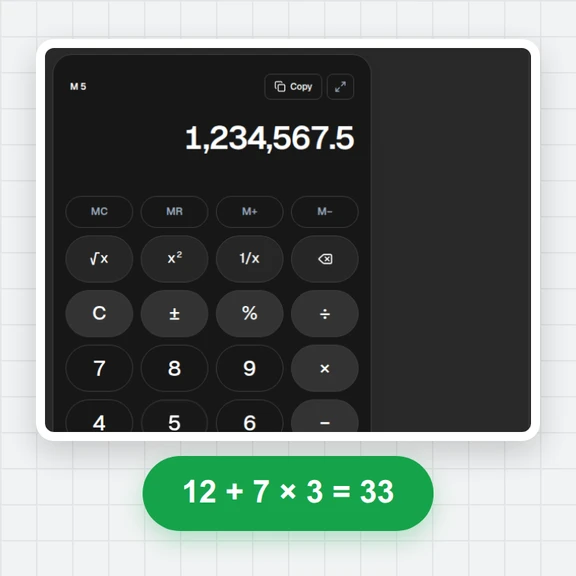
 Tire & Wheel Size CalculatorCompare tire sizes and wheel offset with diagrams, diameter, sidewall, rim shifts and theoretical speed changes. Free and local.Fuel Cost & Consumption CalculatorCalculate trip fuel cost or measured fuel consumption. Convert L/100km, km/L and US or imperial MPG. Free, local, with report downloads.Online CalculatorFree online calculator with big keys, a paper-style tape, memory keys, percent, square root and full keyboard support. Copy any result. Free, no sign-up.Scientific CalculatorFree online scientific calculator: trig in degrees or radians, logs, powers, roots, factorials, nCr, memory and history. Type with your keyboard. Exact decimals.