
Type an equation
Enter y = x^2 − 4, sin(x)/x, x^2 + y^2 = 25 or r = 3cos(4θ). Press Enter for a new line; each line gets its own colour.
Type equations the way you write them – y = 2x + 1, x² + y² = 25, r = 2cos θ – and watch them draw as you type. Add sliders for a, b and c, tap a curve to mark its zeros, highs, lows and crossings, and share the graph with a link.
Open Graphing Calculator →Enter y = x^2 − 4, sin(x)/x, x^2 + y^2 = 25 or r = 3cos(4θ). Press Enter for a new line; each line gets its own colour.
Drag to move, scroll or pinch to zoom, and point at a curve to read coordinates. Tap a curve to mark its roots, highs, lows and crossings.
Use a letter like a and add a slider for it, press play to animate, then copy a link to the graph or download it as PNG.
Use Manlin to reflect, plan and take your next step.

Functions y = f(x) and x = g(y), parametric curves (x(t), y(t)), polar curves r = f(θ), implicit equations such as x² + y² = 25 or x³ + y³ = 6xy, inequalities with shaded regions, and single points like (2, 3).
Use any letter, such as y = a·sin(bx), and press the add slider button that appears, or type a = 2 on its own line. Drag the slider, change its range and step, or press play to animate the value back and forth.
Tap or click a curve. Grey dots mark its zeros, local maximums and minimums, the y-intercept and where it crosses other curves in view, and the key points list shows their coordinates. Tap a dot to label it on the graph.
Yes. The table below the graph lists x and y for the selected function from any start value and step. Copy it as CSV for a spreadsheet.
Yes. Switch between radians and degrees above the expression list. In degrees, sin(90) = 1 and polar curves run from 0° to 360°.
The graph is saved in your browser and in the page address, so Copy link gives a link that opens the same graph. Download PNG saves a high-resolution image with a legend for homework, slides or worksheets.
Yes. Switch to Unit circle to drag an angle around the circle and see sin, cos and tan as lengths, with exact values such as √3/2 at the special angles, in degrees or radians.
Yes. Free, no sign-up, no watermark, and everything is calculated in your browser.
 Interactive Star MapExplore an interactive star map for any location and date. Find stars, constellations and planets, animate the sky and export a custom star chart.
 EV Charging CalculatorEV Charging Calculator · Estimated charging time · Electricity consumed · Trip cost
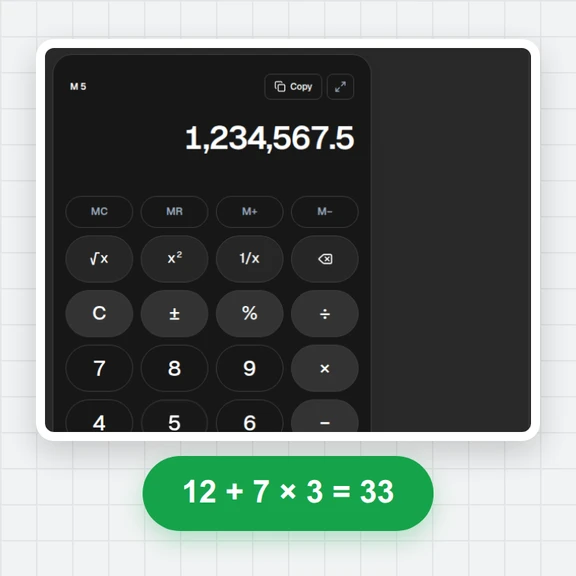
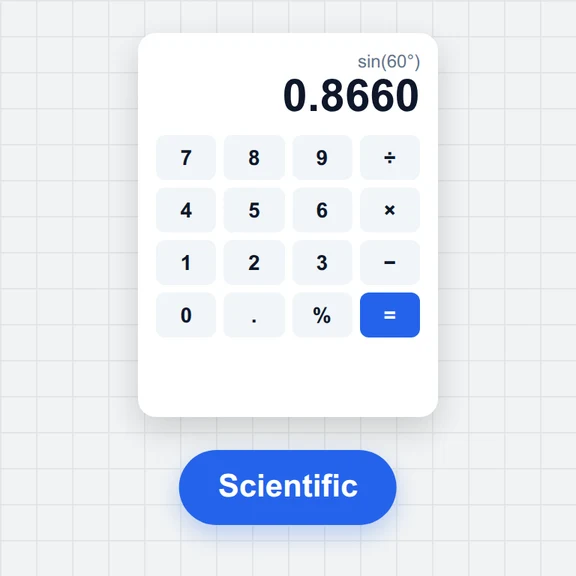 Tire & Wheel Size CalculatorCompare tire sizes and wheel offset with diagrams, diameter, sidewall, rim shifts and theoretical speed changes. Free and local.Fuel Cost & Consumption CalculatorCalculate trip fuel cost or measured fuel consumption. Convert L/100km, km/L and US or imperial MPG. Free, local, with report downloads.Online CalculatorFree online calculator with big keys, a paper-style tape, memory keys, percent, square root and full keyboard support. Copy any result. Free, no sign-up.Scientific CalculatorFree online scientific calculator: trig in degrees or radians, logs, powers, roots, factorials, nCr, memory and history. Type with your keyboard. Exact decimals.