
Open your files
Drop a GeoJSON, KML, KMZ, GPX, CSV, GeoPackage or FlatGeobuf file, or a shapefile's .shp, .dbf and .prj (or its .zip). Several files open as several layers.
Open shapefiles, GeoJSON, KML, GPX, CSV and GeoPackage files on a map, right in your browser. Browse the attribute table, style by value, measure, draw, and save to another format or coordinate system.
Open GIS Viewer →Drop a GeoJSON, KML, KMZ, GPX, CSV, GeoPackage or FlatGeobuf file, or a shapefile's .shp, .dbf and .prj (or its .zip). Several files open as several layers.
Click a feature to see its attributes, filter and sort the table, colour the map by a field, measure distances and areas, or draw new shapes.
Pick a layer, a format and a coordinate system, and download. Or save the map as a PNG image.
Shapefiles (loose or zipped, with their code page), GeoJSON and GeoJSON lines, TopoJSON, KML and KMZ, GPX and TCX tracks, CSV with latitude/longitude or WKT, FlatGeobuf, GeoPackage and Esri JSON.
Projected data is placed correctly from its .prj, EPSG code or GeoPackage definition, with datum shifts. If a file doesn't say, you pick the system from 700+ EPSG entries.
Sort any column, filter with conditions like > 100 or contains, select rows to highlight them on the map, and zoom to the selection.
Colour by category, or by number in 3 to 9 classes using natural breaks, quantiles or equal intervals, with a legend and counts. KML colours can be kept.
Distances, areas and perimeters on the WGS 84 ellipsoid, in metric, imperial or nautical units. Draw points, lines and polygons, edit their corners and attributes, with undo.
For a GPX track: elevation profile, distance, ascent and descent, highest point, total and moving time, and average speed.
Use Manlin to reflect, plan and take your next step.

Yes. Open, measure and convert as many files as you like, with no account, no watermark and no limits beyond your device's memory.
No. Files are read and converted in your browser tab. The map engine and the basemap are downloaded to your browser, but your data is never sent anywhere.
Choose or drop the .shp, .dbf and .prj files together (add .cpg if there is one), or the .zip that holds them. The .prj places the data correctly; without it the coordinates are taken as longitude and latitude, or you're asked for the system if they aren't.
Over 700 EPSG systems: WGS 84, Web Mercator, every UTM zone, US State Plane (NAD83), British National Grid, Lambert-93, the Dutch, Swiss, German, Polish and Nordic grids, GDA94/GDA2020 MGA, CGCS2000, JGD2011 and more, plus any system a .prj file describes. Datum shifts use the standard published parameters, accurate to a few metres for older datums; grid-file shifts aren't applied.
Yes. Open the KML, go to Export, choose GeoJSON or Shapefile and download. Shapefiles get a .prj for the coordinate system you choose, a UTF-8 .cpg, and one file per geometry type when the layer mixes points, lines and polygons.
Distances, areas and perimeters are computed on the WGS 84 ellipsoid (geodesics), the method survey and GIS software use, so they're correct to well under a millimetre for the shape you drew, at any size and latitude.
It doesn't open raster data (GeoTIFF, imagery), run geoprocessing like buffers or overlays, or edit a GeoPackage in place. GPX keeps names, descriptions, heights and times but not custom extensions. The street basemap is detailed down to country, region and major road level.
Up to 1 GB together. Files are read in the background so the page stays responsive; hundreds of thousands of features work on a typical laptop.
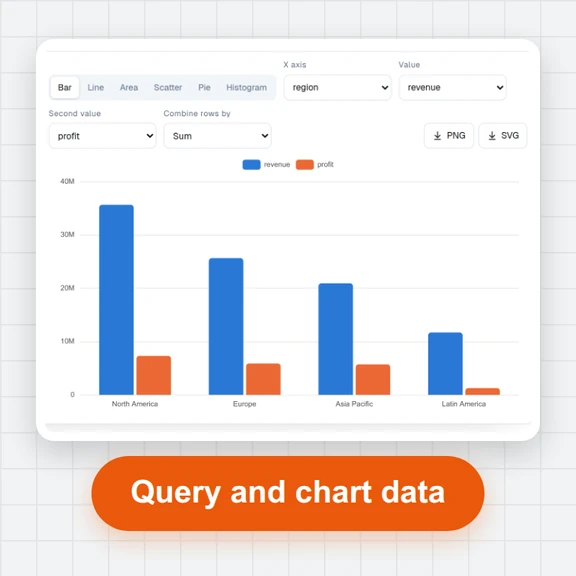 Data ExplorerOpen large CSV, Excel, JSON, Parquet and SQLite files in your browser. Sort, filter, pivot, chart and run SQL on millions of rows. No upload, no sign-up.
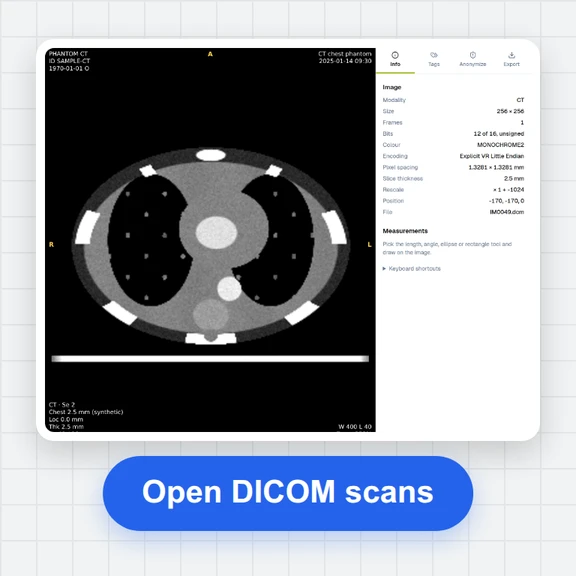 DICOM ViewerOpen DICOM files, folders and ZIPs in your browser: stack scroll, window/level, CT presets, measurements, MPR, cine, tag browser, anonymize and export to JPG. Not for diagnostic use.
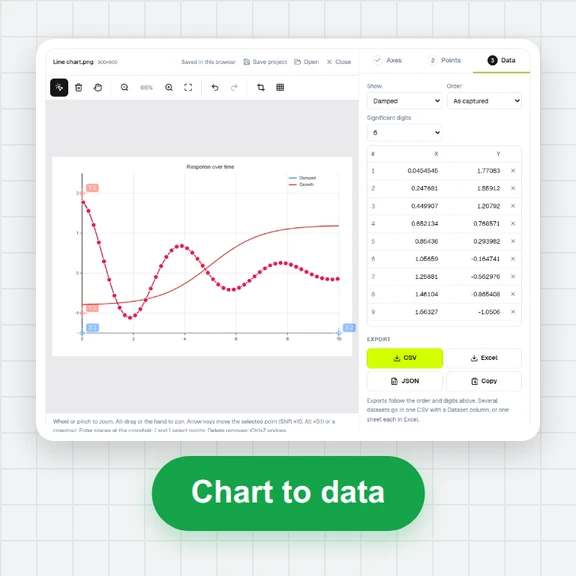 Plot DigitizerTurn a chart image or PDF figure into numbers: calibrate the axes, click or auto-detect points by colour, and export CSV or Excel. Free, no sign-up.
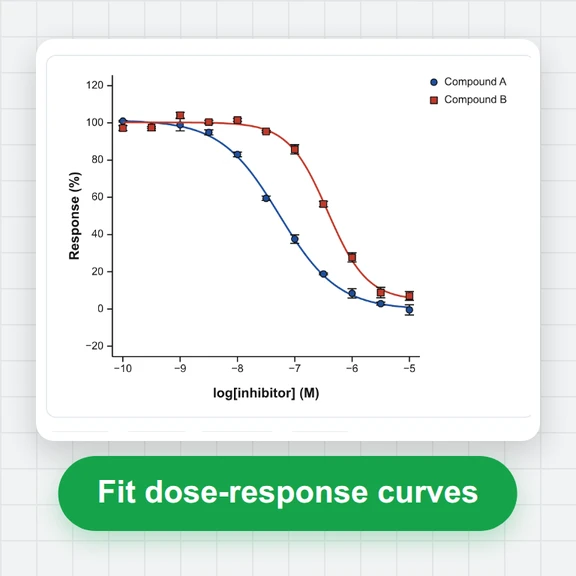 Curve Fitting & StatisticsFit dose–response (IC50/EC50), enzyme kinetics, exponential and custom equations; run t tests, ANOVA and nonparametric tests; export publication graphs. Free, in your browser, no upload.
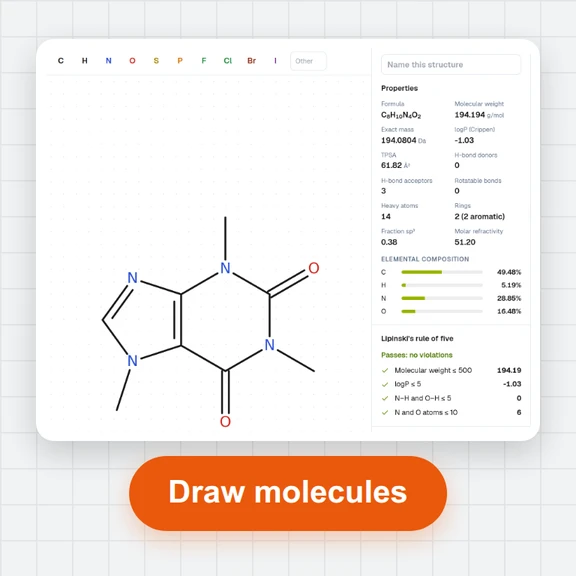 Chemical Structure DrawerDraw chemical structures online: bonds, rings, wedges and charges; SMILES, InChI, MOL and SDF; molecular weight, logP, TPSA and Lipinski; PNG/SVG export and a 3D viewer for PDB files.