
Open your images
Drop .dcm files, a whole folder (a CD or USB export works) or a ZIP. Images are grouped by patient, study and series.
View CT, MR, X-ray and ultrasound images in your browser, from single files, whole folders or ZIP archives. Window and level, measure in millimetres and Hounsfield units, reformat volumes, read every tag, and remove patient details before you share.
Open DICOM Viewer →Drop .dcm files, a whole folder (a CD or USB export works) or a ZIP. Images are grouped by patient, study and series.
Scroll through slices, drag to adjust window/level, zoom and pan, and measure lengths, angles and regions. Switch to 2 or 4 viewports or reformat a CT or MR volume.
Download an anonymized copy with names, IDs and dates removed, or save images as JPG, PNG or an MP4 cine.
Use Manlin to reflect, plan and take your next step.

Yes. Open as many studies as you like, with no account, no watermark and no file limits beyond your device's memory.
No. This viewer is not a medical device and is not for diagnostic use. Use it to look at your own scans, to study, to teach or for research. Clinical reading must be done on certified software and displays.
No. Files are read and decoded in your browser and never leave your device. Some compressed formats need a decoder that downloads once from a public code library the first time it is used; your images are not sent anywhere.
DICOM files with or without the .dcm extension, folders from a CD, DVD or USB export (the DICOMDIR index is skipped and the images are read directly), and ZIP archives. Uncompressed, deflated, RLE, JPEG baseline and 12-bit, JPEG lossless, JPEG-LS, JPEG 2000 and HTJ2K images are supported, including multi-frame and colour images. Video-encoded DICOM (MPEG-2, H.264, HEVC) and JPEG XL are not.
Choose the ellipse or rectangle tool and drag over the area. The mean, standard deviation, minimum, maximum and area are shown in Hounsfield units on CT, using the rescale slope and intercept in the file. Lengths and areas use the pixel spacing; when an X-ray only has detector spacing, the viewer says so because magnification is not corrected.
It follows the DICOM PS3.15 Basic Application Level Confidentiality Profile: names, IDs, dates, institution and device details, free-text descriptions and private tags are removed or emptied, and every UID is replaced consistently across the whole export. You can choose to shift dates by a fixed number of days, keep patient age and sex, or keep series descriptions. Pixel data is copied unchanged.
No. Text burned into the pixels, common on ultrasound and screen captures, stays. The viewer warns you when a series is likely to have it; check those images before sharing.
Yes. For CT and MR volumes of parallel slices, choose MPR to see axial, coronal and sagittal views side by side with linked crosshairs. Click in any view to move the other two.
It doesn't do 3D volume rendering, PET/CT fusion, hanging protocols, structured reports, DICOM networking (PACS query or send) or writing to CD. It is for viewing, measuring, anonymizing and exporting.
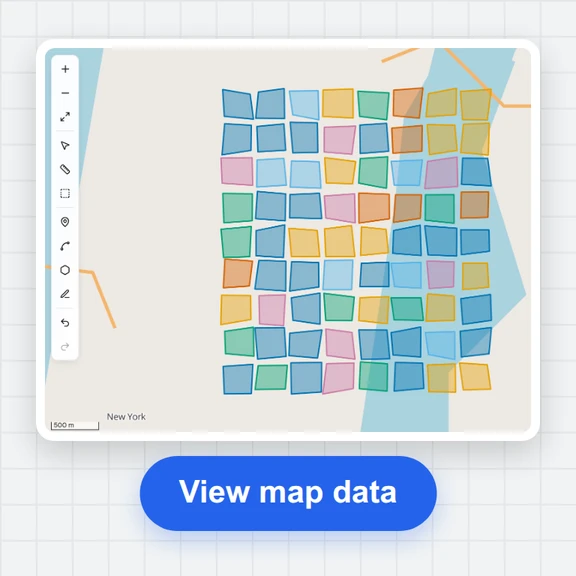 GIS ViewerOpen GeoJSON, KML, KMZ, GPX, shapefiles, CSV, GeoPackage and FlatGeobuf in your browser. Style by attribute, measure, draw and convert. No upload, no sign-up.
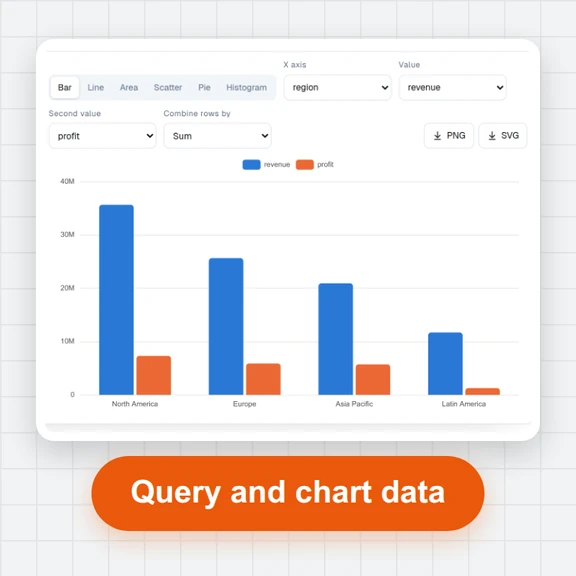 Data ExplorerOpen large CSV, Excel, JSON, Parquet and SQLite files in your browser. Sort, filter, pivot, chart and run SQL on millions of rows. No upload, no sign-up.
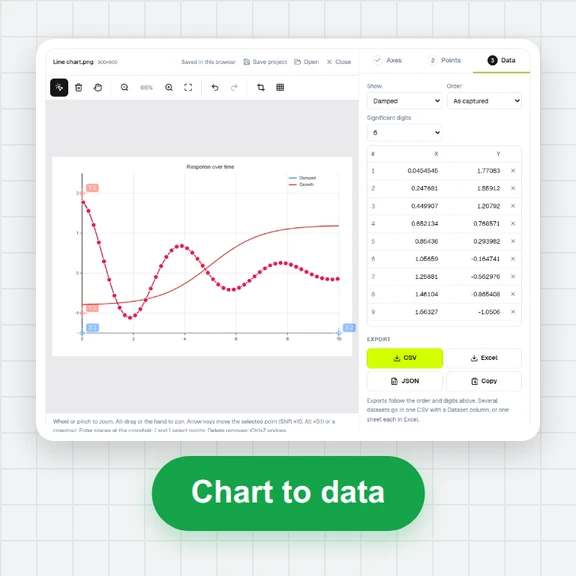 Plot DigitizerTurn a chart image or PDF figure into numbers: calibrate the axes, click or auto-detect points by colour, and export CSV or Excel. Free, no sign-up.
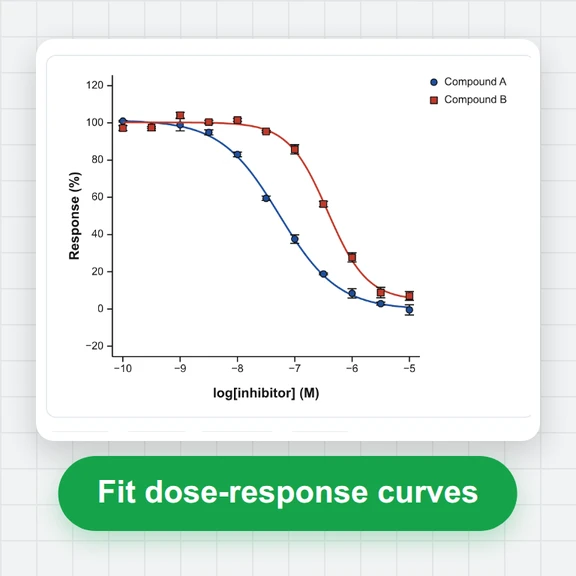 Curve Fitting & StatisticsFit dose–response (IC50/EC50), enzyme kinetics, exponential and custom equations; run t tests, ANOVA and nonparametric tests; export publication graphs. Free, in your browser, no upload.
 Chemical Structure DrawerDraw chemical structures online: bonds, rings, wedges and charges; SMILES, InChI, MOL and SDF; molecular weight, logP, TPSA and Lipinski; PNG/SVG export and a 3D viewer for PDB files.