
Open your document
Drop a Word, PowerPoint, Excel, PDF, text or Markdown file, or paste text. The language is detected for you.
Translate Word documents, PowerPoint slides, Excel sheets, PDFs and text into more than 50 languages. Headings, bold text, links, tables and pictures stay where they were. Check the translation next to the original, correct any sentence, then download the file.
Open Document Translator →Drop a Word, PowerPoint, Excel, PDF, text or Markdown file, or paste text. The language is detected for you.
Pick the language to translate into. The translation files download once; each paragraph appears next to the original as it is translated.
Click any sentence to fix it, then download the translated file in the same format, with its formatting.
Use Manlin to reflect, plan and take your next step.

Yes. Translate as many documents as you like, of any length, with no account, no daily limit and no watermark.
No. The document is opened and translated in your browser and never leaves your device. Only the translation files are downloaded, once, and they contain no information about you or your document.
Word (.docx), PowerPoint (.pptx), Excel (.xlsx), PDF, plain text (.txt) and Markdown (.md), or text you paste. You download the same format back; a PDF comes back as an editable Word document.
Yes. Only the text is replaced: styles, fonts, colors, tables, pictures, headers and footers stay. Bold, italic and linked words keep their formatting in the translation.
More than 50, including English, Spanish, French, German, Italian, Portuguese, Dutch, Polish, Russian, Ukrainian, Turkish, Arabic, Hebrew, Persian, Hindi, Chinese (Simplified and Traditional), Japanese, Korean, Vietnamese, Thai and Indonesian. Each pair shows its expected quality before you translate.
Yes. Every paragraph is shown next to the original. Click a translation to correct it; undo and redo work as usual, and your edits are saved in this browser until you download.
After the first download, a page of text usually takes a few seconds on a laptop. Long documents show progress paragraph by paragraph, and you can stop at any time.
Yes, once the translation files for your languages are downloaded they are kept in your browser, so the next translation works without a connection.
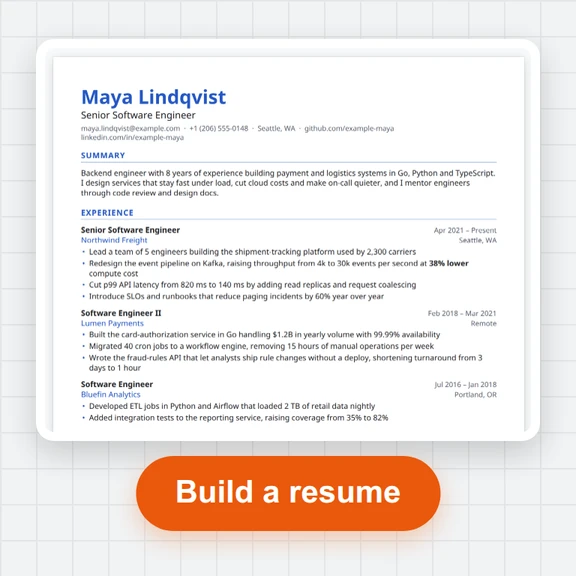 Resume BuilderBuild a resume and cover letter free. 10 ATS-friendly templates, live preview, PDF with real text, Word, plain text and JSON Resume. No sign-up, no watermark.
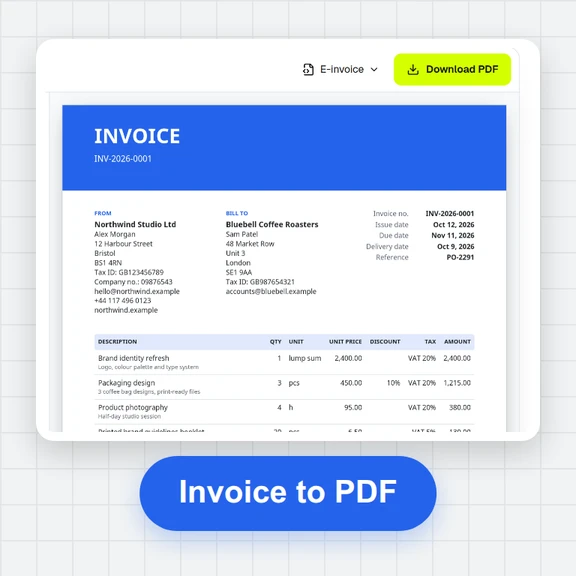 Invoice GeneratorMake professional invoices, quotes, receipts and credit notes free. Exact tax maths, 7 templates, 12 print languages, PDF and Factur-X / XRechnung e-invoices. No sign-up.
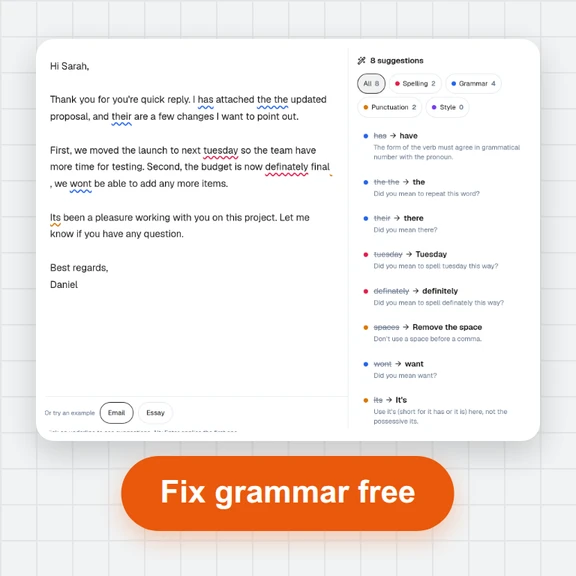 Grammar CheckerCheck English spelling, grammar, punctuation and style for free. Fix mistakes in one click, see readability, open .docx files. No sign-up, text stays on your device.
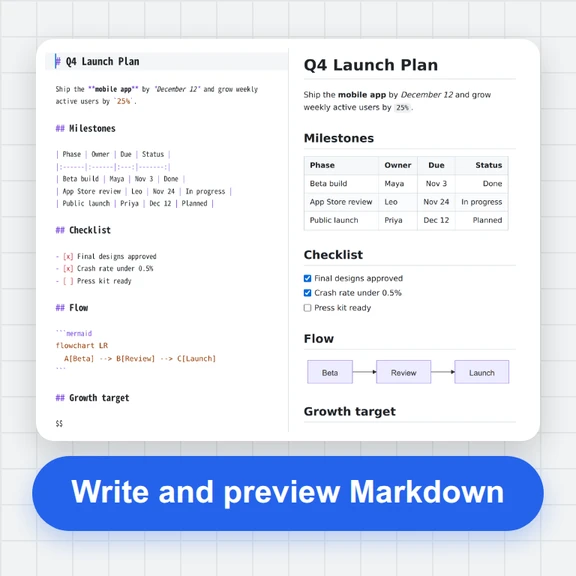 Markdown EditorFree Markdown editor in your browser: live preview, tables, math, diagrams and footnotes. Export PDF, Word or HTML; convert Word, HTML and PDF to Markdown.
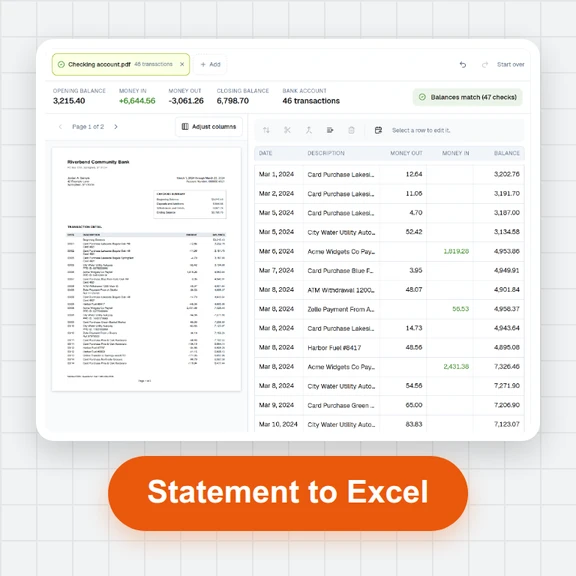 Bank Statement ConverterConvert PDF bank and credit card statements to Excel, CSV, QBO or OFX for free. Checks every row against the printed balances. Runs in your browser: no upload, no sign-up.
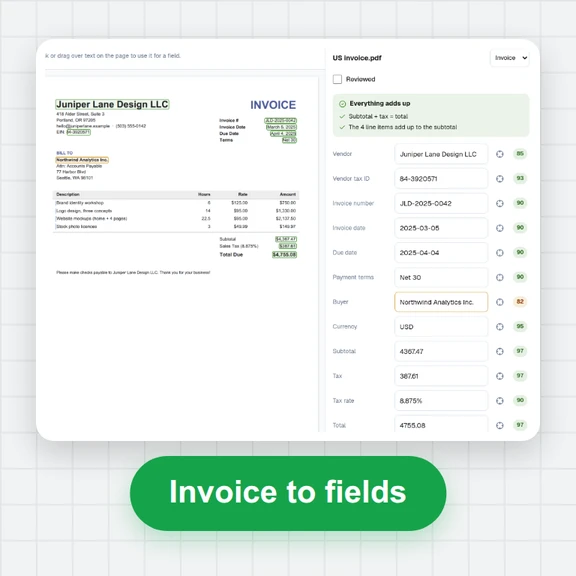 Invoice ScannerScan PDF invoices and receipt photos for free. Vendor, VAT number, dates, totals, tax and line items extracted and checked, then exported to Excel, CSV or JSON. Runs in your browser.