
Paste or open your data
Paste text or drop a file. The format is detected, or choose it under “From”.
Convert config files and data between eight formats, and see exactly where a file is broken. Turn example data into TypeScript interfaces, Zod schemas, Go structs or Python dataclasses.
Open Data Format Converter →Paste text or drop a file. The format is detected, or choose it under “From”.
Pick a data format or a language for types. Mistakes in the input are shown with their line and column.
Adjust the indent, sorting or type name, then copy the result or save it as a file.
Use Manlin to reflect, plan and take your next step.

Yes. Convert as much as you like with no account and no limit beyond your device’s memory.
No. Reading and writing happen in your browser tab, so configs with passwords or customer data stay on your device.
JSON, YAML (with anchors, merge keys and several documents), TOML 1.0, XML, CSV and TSV, INI, .env files and URL query strings, in any direction. Types can be generated as TypeScript interfaces, Zod schemas, Go structs or Python dataclasses.
With the line and column, a short explanation and the line itself with a marker. “Go to error” selects the spot in the box.
Whole numbers beyond 2^53, such as 64-bit IDs, stay exact between JSON, YAML and TOML. TOML dates keep their form. Strings such as “yes”, “on” or “2024-01-01” are quoted in YAML, so older YAML readers don’t turn them into booleans or dates.
Attributes become keys starting with @, element text next to attributes becomes #text, and repeated elements become a list. Comments and processing instructions are left out, and in mixed content (text between child elements) the text pieces are joined.
You are told. TOML has no null, so null keys are left out with a note; CSV, INI and .env are flat, so nested values are flattened (address.city, DATABASE__HOST) and lists are written as JSON.
From the example itself: a field missing from some items of a list becomes optional, a field that is sometimes null becomes nullable, whole numbers become integers and objects with the same shape share one type. Check the result if your sample doesn’t cover every case.
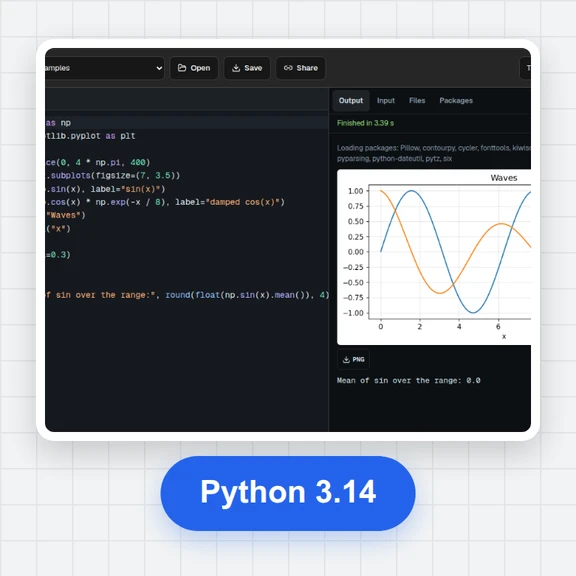 Online Python CompilerFree online Python compiler: write and run Python 3 code in your browser with input(), numpy, pandas and matplotlib charts, files and share links. No sign-up.
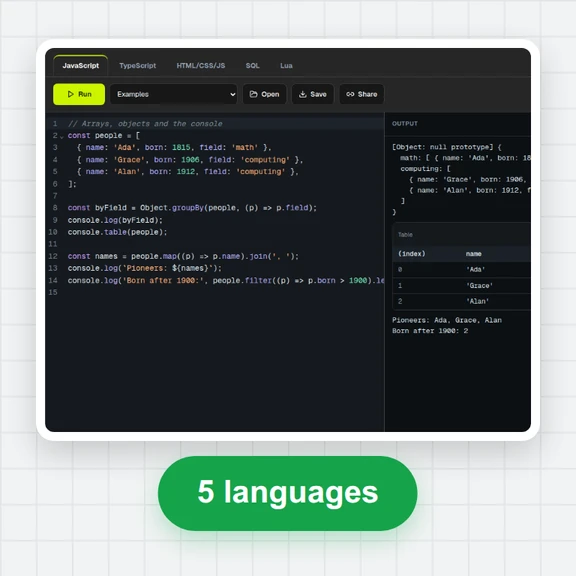 Online Code RunnerFree online code runner: run JavaScript and TypeScript, preview HTML, CSS and JS live, practise SQL on SQLite and run Lua in your browser. No sign-up.
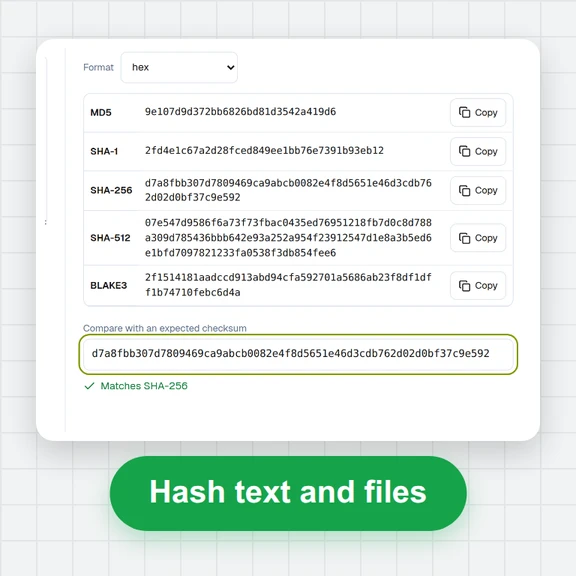 Hash GeneratorHash text or files of any size with MD5, SHA-1, SHA-2, SHA-3, BLAKE2/3, CRC32 and xxHash, make HMACs and verify checksums. Runs in your browser.