
Draw
Pick a shape, arrow, line or the pen from the toolbar, or drag a template from the library. Double-click anywhere to type.
Draw shapes, arrows and text with a hand-drawn look, drop in sticky notes, flowchart pieces and wireframe blocks, and arrange them on an endless canvas. Your board is saved in this browser as you work. Export it as PNG, SVG or PDF.
Open Whiteboard →Pick a shape, arrow, line or the pen from the toolbar, or drag a template from the library. Double-click anywhere to type.
Move, resize, group and align. Connect shapes with arrows that follow them, and change colours, fills and line styles.
Download PNG, SVG or PDF, copy the picture, or save a .excalidraw file to edit later. The board is kept in this browser too.
Use Manlin to reflect, plan and take your next step.

Yes. There is no account, no limit on boards or shapes and no watermark on exports.
No. Drawing, autosave and export all happen in your browser. The board is saved in this browser’s storage on your device.
In this browser on this device, a moment after each change. Clearing your browser data removes it, so use Save to keep a .excalidraw file you can open again on any device.
PNG at 1×, 2× or 3× (with or without background), SVG, PDF, and the .excalidraw file itself. PNG and SVG exports can carry the board inside, so you can open them here and keep editing.
Yes. The library has flowchart shapes, a kanban board, a SWOT grid, a timeline, a mind map starter and wireframe blocks such as a browser window, phone screen, buttons and fields. Drag them onto the board and edit the text.
Yes. Draw with a finger or a pen, pinch to zoom and drag with two fingers to move around. Full screen gives you the most room.
Not on this page. To share a board, save the .excalidraw file or export a picture and send it.
Press ? on the board to see them all. For example R for rectangle, A for arrow, T for text, P for pen, Ctrl+Z to undo and Ctrl+Shift+Z to redo.
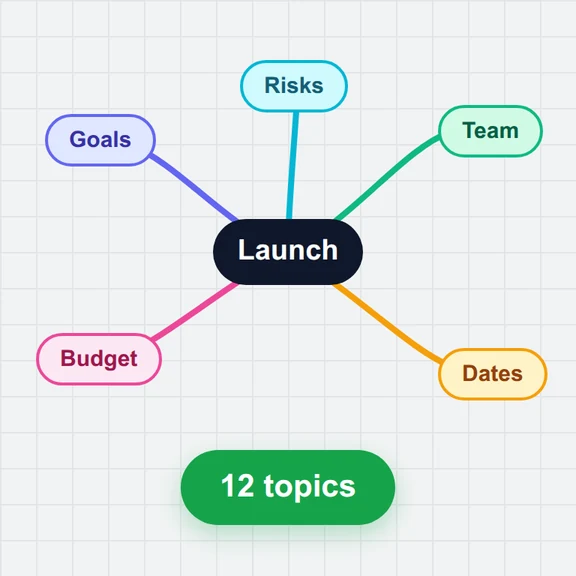 Mind Map MakerMake mind maps free in your browser: keyboard editing, styles, icons, notes, 8 templates, a Markdown outline view, and PNG, SVG, PDF, OPML and Markdown export. No sign-up, no upload.
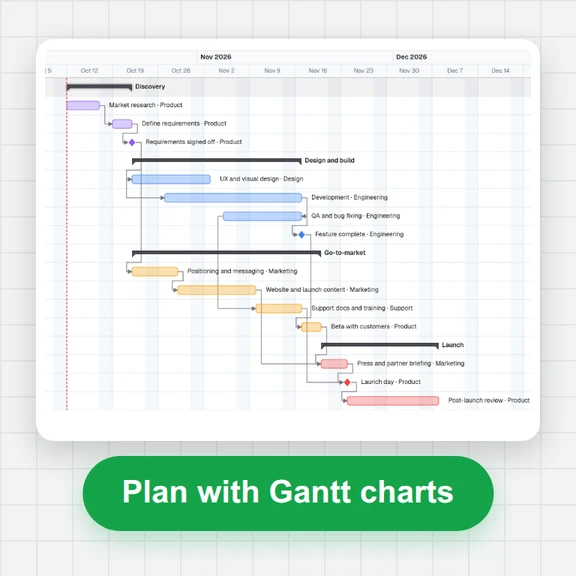 Gantt Chart MakerMake Gantt charts free in your browser: groups, milestones, linked tasks, critical path and baselines. Import Excel or Project XML; export PDF, PNG, Excel or XML.